.png?width=450&height=117&name=MavenLogo_Horizontal_WhiteType01%20(1).png)
TABLE OF CONTENTS
When to use static route
Manual routing is best when:
-
Quickly assign a small number of stops
-
same-day adjustments
-
Optimization is not required
Create a static route
- Log in to
dispatch.mavenmachines.com -
Select the Plan & Dispatch tab
-
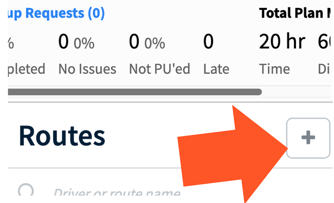
Click the + icon next to Routes
-
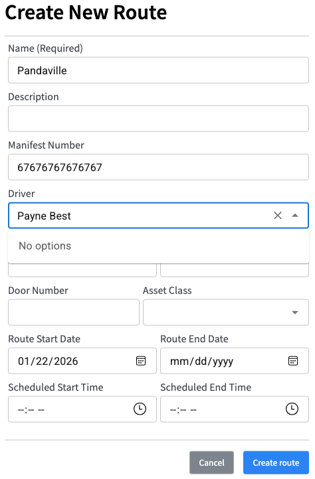
Enter route details:
-
Route name
-
Manifest number
-
Driver
-
Vehicle
-
Asset class
-
Start/end date and time
-
-
Select Create Route
Add stops to a route
-
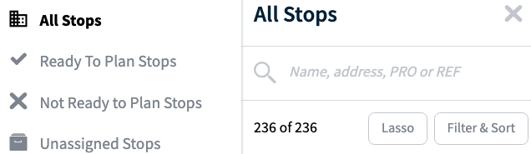
Use All Stops to search and assign stops
-
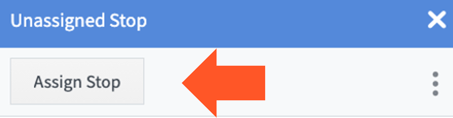
Select a stop → Assign Stop
-
Choose the route
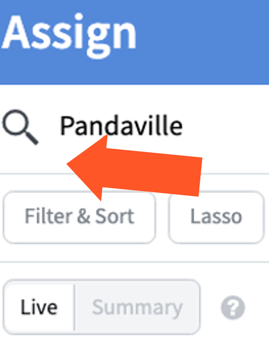
Use the Lasso tool to select multiple stops on the map and bulk assign them.
Remove stops
-
Select the stop on the route
-
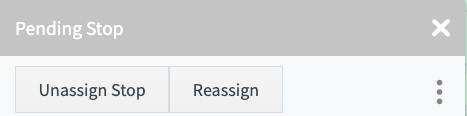
Click Unassign Stop