.png?width=450&height=117&name=MavenLogo_Horizontal_WhiteType01%20(1).png)
Table of CONTENTS
What are territories?
Territories define geographic service areas and are used during route optimization to control which routes service which areas.
Create a territory
-
Log in to
dispatch.mavenmachines.com -
Navigate to Inbound Shipments tab
-
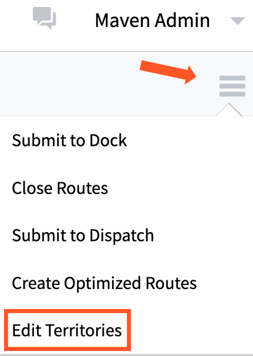
Click the hamburger menu
-
Click Edit Territories
-
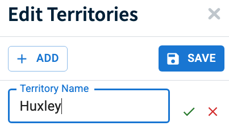
Click + Add button
-
Enter a name for the territory and select the green checkmark to save it.
-
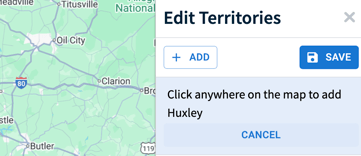
Click on the map and draw a polygon outlining the territory.
-
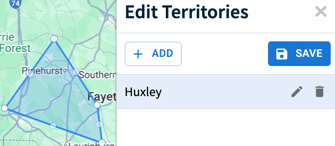
Save the territory
Territory visibility on map
-
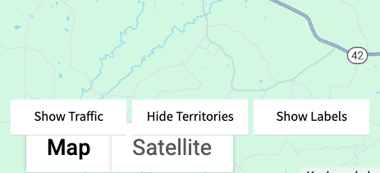
Toggle Show/Hide Territories
-
Toggle Show/Hide Labels
- Toggle Show/Hide Traffic
Territories can be applied as Primary, Secondary, or Strict during optimization.